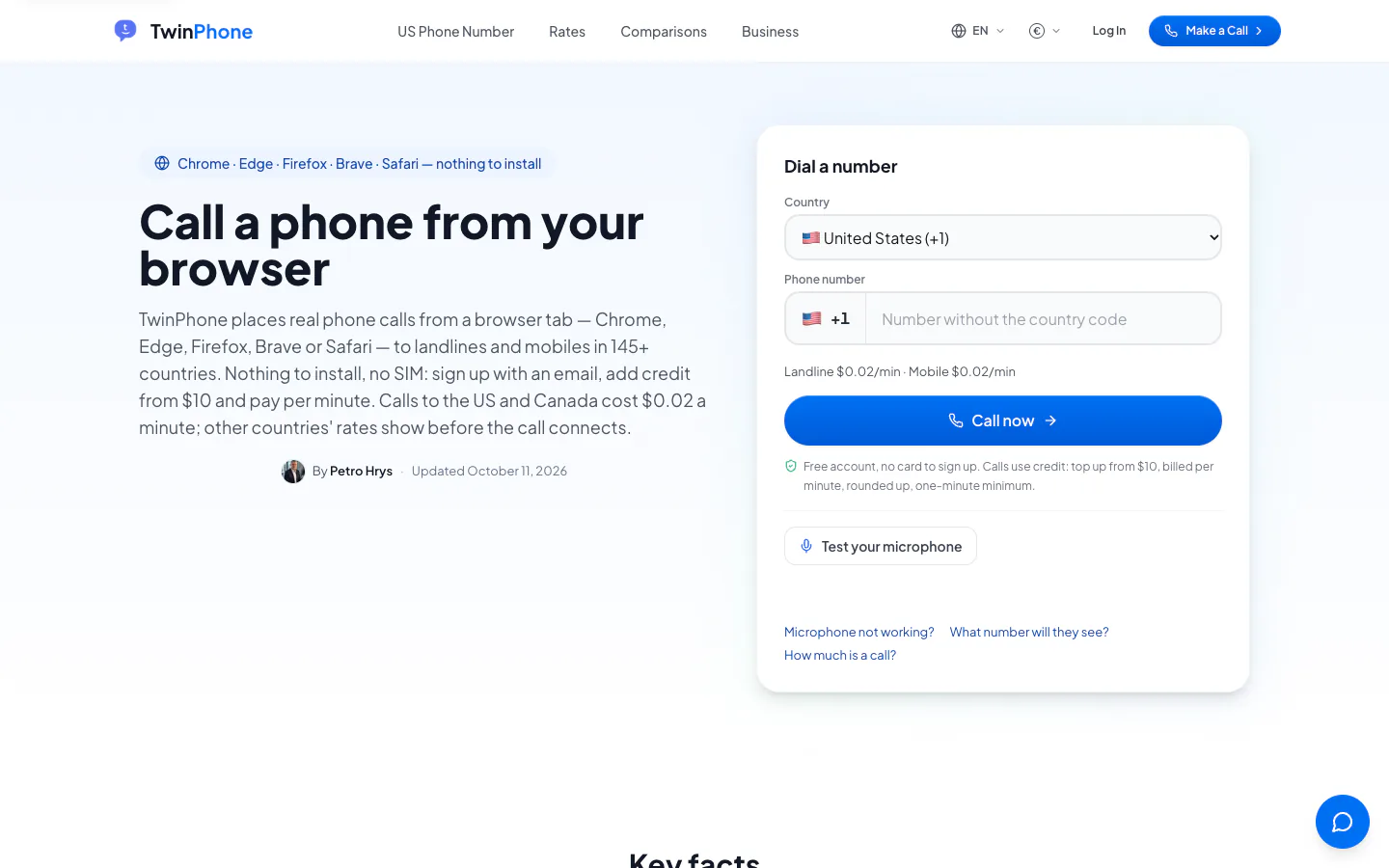
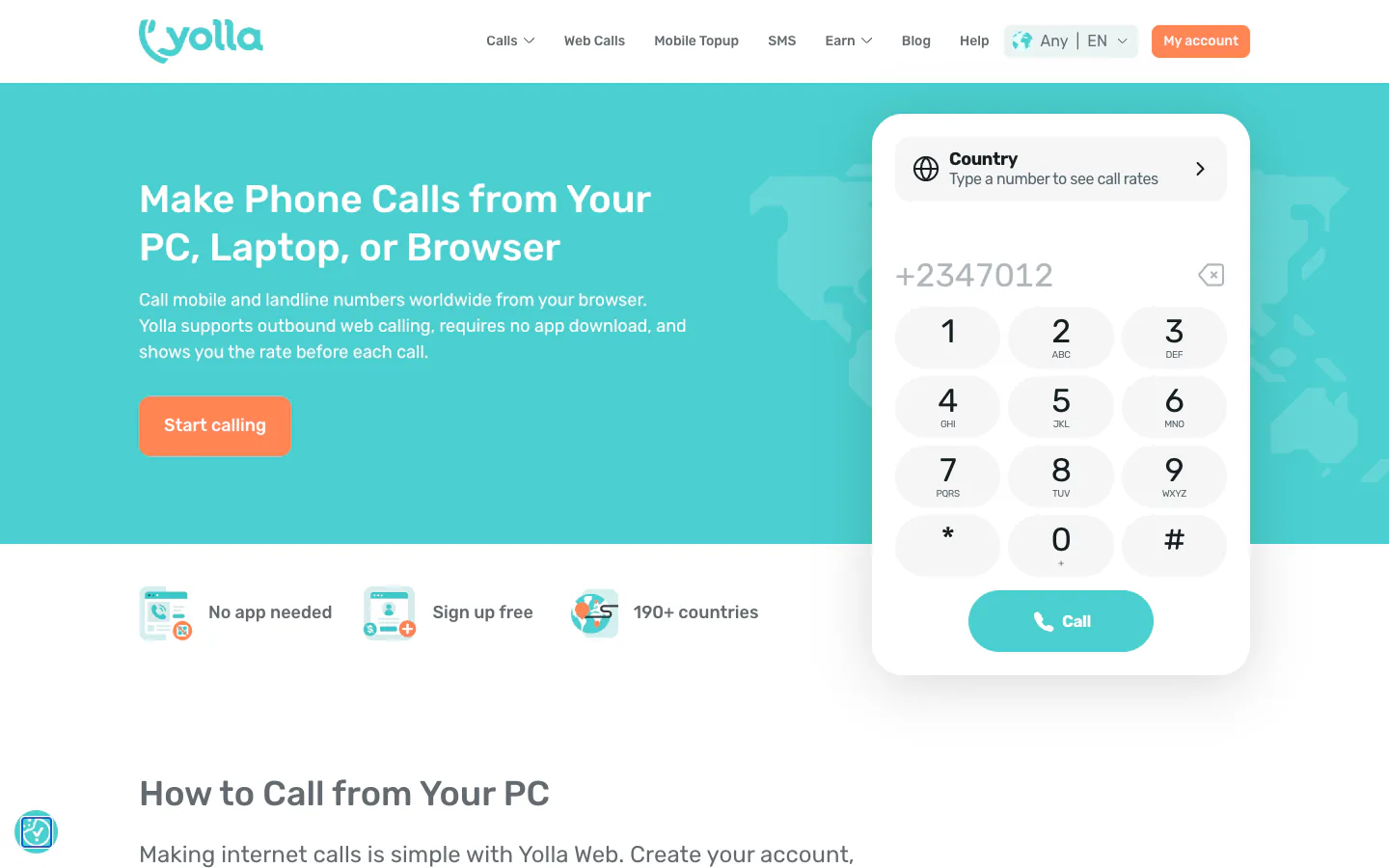
A normal Chrome, Edge, Firefox or Safari tab can call ordinary landlines and mobiles: the browser's built-in WebRTC carries your voice[1], and the provider's gateway passes the call to the phone network. From the US, Google Voice calls almost all US and Canadian numbers free[2], and TextNow does the same for US and Canadian residents[3][4]. Pay-per-minute dialers such as Yolla and TwinPhone charge from $0.01 and $0.02 a minute to a US number[5][6], while free messengers such as WhatsApp Web and Teams (free) reach other people online, not phone numbers[7].
Key facts
Google Voice personal accounts are US-only, and new numbers need a government-ID check (checked )[8][9].
WhatsApp announced calls inside WhatsApp Web on [10]; on the feature was still rolling out gradually, and it calls WhatsApp contacts, not phone numbers[11].
Skype retired on , and its successor, Teams (free), has no calling plans for phone numbers (checked )[7].
TwinPhone, Yolla, WhatsApp and the free Google Voice plan cannot reach 911 or other emergency numbers (checked )[12][13][14][15].
Three ways to call from a browser
Calling from a browser means one of three things: a web dialer that rings an ordinary landline or mobile, a messenger's web client that connects you free to someone on the same app, or a business softphone that runs a company phone system in a tab. Only the first and third reach phone numbers, and apart from free plans for US residents and a few capped free dialers, they cost money.
Web dialers that reach phone numbers
This is what most people mean by a browser phone: you type a number with its country code, allow the microphone, and the person's normal phone rings. The person you call needs no app. Google Voice and TextNow do this free to US and Canadian numbers[2][3], but only for US residents, plus Canadians in TextNow's case[8][4].
Yolla and TwinPhone sell prepaid per-minute credit[16][17] and state no residence rule on the pages I read. PopTox, Call2Friends and Globfone offer short free calls with tight daily caps (details below).
App-to-app calls in a browser tab
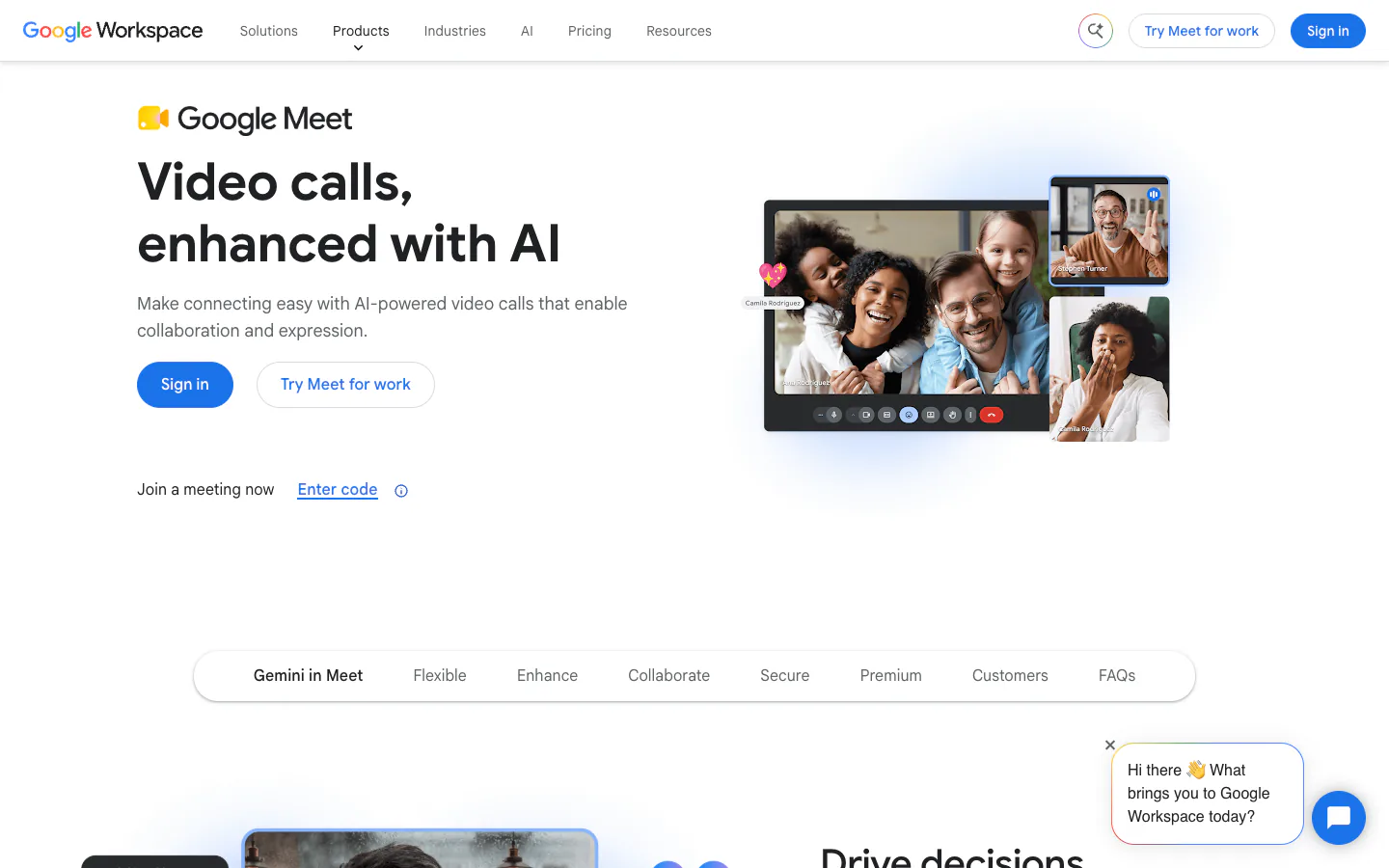
WhatsApp Web, Google Meet and Microsoft Teams (free) place free voice calls inside a tab[10][18][19], but the other person needs the same app or a call link. Telegram's official web clients ship calling code, though its help pages do not document web calls[20]. WhatsApp's help pages and blog describe calls to WhatsApp contacts and to guests who open a link, and none of them offers dialing a landline[21][22]. My notes on WhatsApp calls in the browser follow its staged rollout.
Google Meet dials phones only from meetings organised through a Google Workspace account[23], and Teams (free) does not support paid calling plans at all[7].
Business softphones
Zadarma, Sonetel, Dialpad, Aircall, RingCentral and Quo, the former OpenPhone[24][25], run a full phone system in a tab. They suit a company more than a person: Sonetel's terms limit use to business purposes[26], Aircall requires at least three licences[27], and Quo asks for a real mobile number and identity verification[28]. I show Zadarma and Sonetel in the tables for price reference, outside the ranking.
Two things are often confused with browser calling. Microsoft Phone Link relays calls from your own Android phone or iPhone over Bluetooth[29], and Wi-Fi Calling is a feature of your mobile carrier[30]; both need a phone with a working line. Without a phone nearby, see using a laptop as a phone, and for the carrier feature, how Wi-Fi Calling differs from a web dialer.
My ranking, scored for a reader in the US
I scored eleven consumer services with one method: whether they reach phone numbers, what a typical call costs, who can sign up, browser support, what sign-up asks for, incoming calls and caller ID, privacy, and trust. The scores assume you live in the US, because the two highest-scoring services only accept US residents (and Canadians, for TextNow).
#1
TextNow
Free ad-supported US or Canadian number with calls in a browser tab
Each score runs from 0 to 10, and reach and cost carry the most weight; the rubric, the weights and the reason behind every sub-score are in my scoring method. TextNow (8.7) edges out Google Voice (8.5) mainly on sign-up: Google Voice now asks new users for a phone number that receives a text code and for a government-ID check[42][9].
TwinPhone and Yolla both total 7.85. My tie rule puts first the service that scores higher on more of the eight criteria (method): TwinPhone scores higher on four (browsers, sign-up, incoming calls, privacy) and Yolla on one (cost), so TwinPhone is third and Yolla fourth. Yolla charges less than TwinPhone per minute on all four routes in my price table[5][6]; TwinPhone signs you up without a phone number[43] and can rent you a number for incoming calls[44], while Yolla Web makes outgoing calls only[45]. TwinPhone sponsors this site, and its score comes from the same rubric and the same kind of facts as everyone else's.
The free messengers sit lower because they cannot reach a phone number, which carries the most weight together with cost. Outside the US, Google Voice drops out entirely and TextNow serves only Canadians; my guide for readers if Google Voice isn't available to you covers what replaces them.
Every service side by side
The table puts the ranked services and the two business options side by side on what decides a choice: reach to phone numbers, cost, free use, who can sign up, browsers, sign-up requirements, incoming calls and emergency calls. Every cell comes from the operators' own pages, which I read on .
On a phone, scroll the table sideways to see every column.
Where an operator's pages say nothing, the cell says so rather than guessing: that means unknown, not missing. Prices are the lowest published rate per minute, converted at the rate of the check date, with the operator's original amount in the tooltip.
What 'free' means when you call from a browser
Free browser calls to phone numbers exist, but each has a catch. PopTox lets you ring the same number up to five times a day, always from one shared caller ID[35][55]. Call2Friends allows one or two short calls a day per IP address[38]. Google Voice and TextNow are free only if you live in the US (or Canada, for TextNow)[8][4]. Among the paid dialers, TwinPhone has no free tier and no trial credit[12].
Calls between app users, such as WhatsApp Web or Teams (free), cost nothing but never reach a phone number. For the time limit on every free option and which ones work without an account, see free online calls and their limits.
Per-minute prices to the US, UK, India and Mexico
To call a US number, Google Voice is free from the US[2], and the paid dialers in my table charge between $0.008 and $0.02 a minute[64][6]. The gaps open on UK mobiles and India, where prices differ several times over. The table shows each operator's lowest published rate per minute, checked on .
Per minute, lowest published rate on the date checked. Scroll sideways on a phone.
Google Voice has the lowest card here: $0.01 a minute to UK mobiles on EE, O2, Vodafone and Three, and $0.02 to India[33]. Only US residents can open a personal account, though. Of the dialers that state no residence rule, Yolla undercuts TwinPhone on UK mobiles, from $0.10 against $0.12[77], and on India, from $0.0239 against $0.08[34].
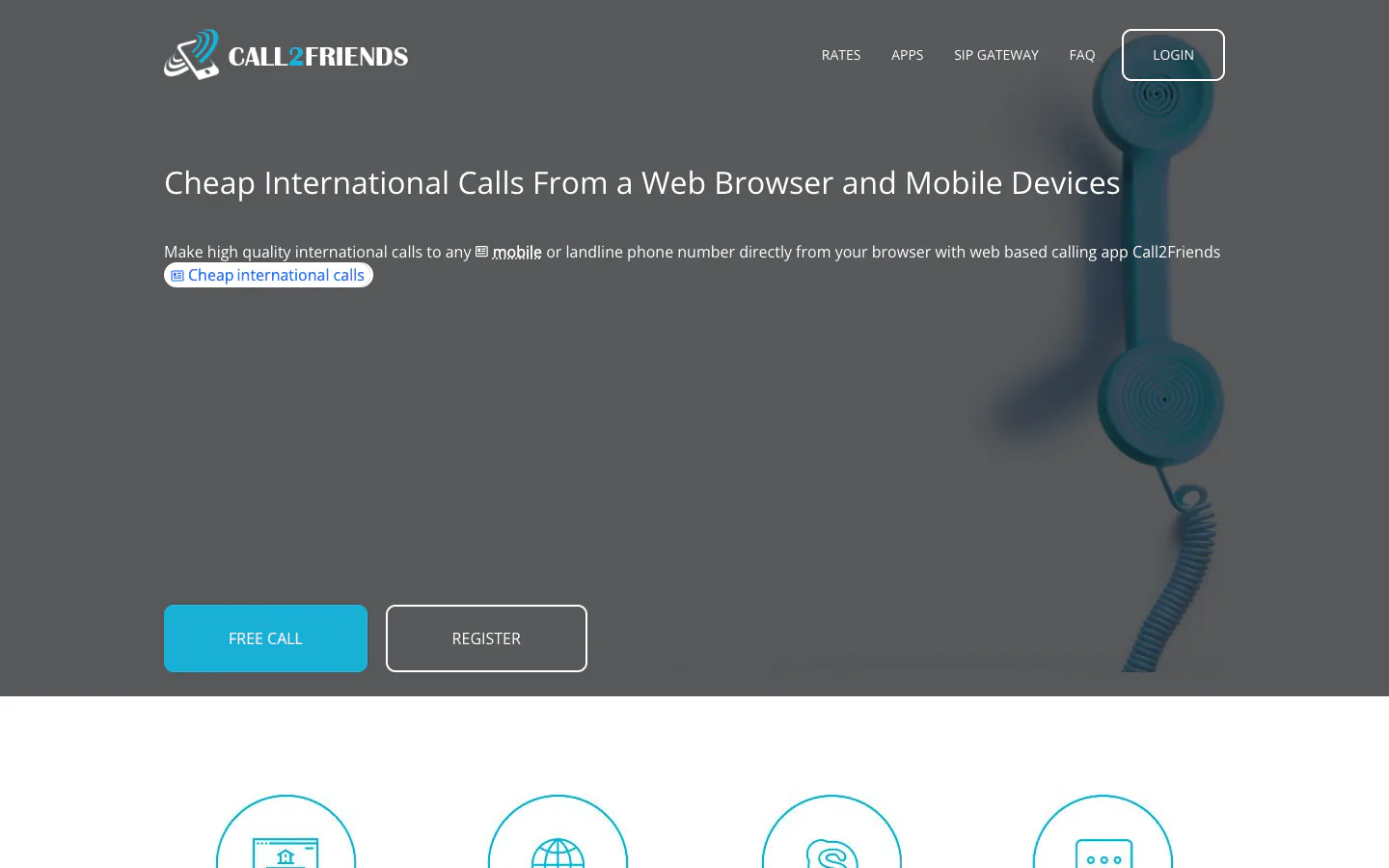
Call2Friends is cheap to landlines but charges $0.581 a minute to a UK mobile[79]. Zadarma's rate pages showed me prices in euros without VAT[64], and from it bills US calls with a 12-second minimum, then per second[83].
Billing rules matter as much as the rate. TwinPhone rounds each call up to the whole minute, and its smallest top-up is $10[17]; Yolla's rate pages offer top-ups from $4[77], and Call2Friends asks for at least $5[84]. For more countries and dialing codes, see international calls from a browser.
Who can sign up, and from where
Where you live decides more than price does. Google Voice and TextNow, the two ways to call US numbers free without a daily cap, only accept US residents (and Canadians, for TextNow). The pay-per-minute dialers state no residence rule on the pages I read, but each asks for something different at sign-up.
On a phone, scroll the table sideways to see every column.
Google's help center says plainly that Google Voice 'is only available in the US'[8], and TextNow's terms exclude residents of the EU and EEA[4]. Sonetel refuses sign-ups from IP addresses in countries on its suspended list[85].
What each service asks for at sign-up:
An email or Google account only: TwinPhone, with no card and no phone number[43], and Zadarma, which confirms your email address[67].
A mobile number: Yolla's app verifies yours by SMS code or a validation call[16], and WhatsApp and Telegram register to a phone number[14][41].
An ID or a card: Google Voice checks a government ID before a new number works[9], and Globfone validates a payment card before free calls[60].
Numbers are a separate question. TwinPhone rents numbers only in the US, Canada and Puerto Rico[44], and its own pages give two reach figures: '145+ countries' on the browser-calling page and '165 destinations' on the rates page[43][6]. If you have no SIM or no number of your own, calling without a SIM card walks through the options, and readers abroad can check why Google Voice stops at the US border.
Which browsers work for browser calls
Every service that publishes a browser list names Chrome, so if you want to call from Chrome, you can choose on price and reach alone. Edge, Firefox and Safari appear on most consumer dialers' and messengers' lists, but some business softphones support only Chrome. Mobile browsers are hit and miss: some dialers name them, others leave them out.
Browser support, from each service's own documentation
On a phone, scroll the table sideways to see every column.
Google Voice supports Chrome, Edge, Firefox and Safari in their current and previous major release[49]. TwinPhone names Chrome, Edge, Firefox, Brave and Safari on Windows, macOS, Linux, iPhone and Android[43], and Yolla lists Chrome, Safari, Firefox and Edge[45]. WhatsApp says web calling works best on Chrome, Edge, Safari and Firefox on Windows, Linux and macOS, and warns that certain browser versions may not be supported[11].
On the business side, Dialpad's web app needs a Chrome release less than a year old[86], Aircall supports only the latest Chrome[87], and Quo lists Chrome, Firefox and Safari 16 or later, with no Edge[88]. Microsoft documents its work and school Teams web client as unsupported in mobile browsers[57].
How a browser call reaches a phone
Your browser captures the microphone and sends the audio over the internet with WebRTC, a set of standards built into the browser that needs no plug-in or extra software[1]. The service's servers then hand the call to a gateway into the ordinary phone network, which rings the landline or mobile. That last hop is the part you pay for.
From the tab to the phone: WebRTC to the provider, then a gateway into the phone network.
Calls between app users never cross that gateway, which is why WhatsApp and Meet can make them free. The full chain, step by step, is in WebRTC, SIP and the phone network explained.
Before you rely on a browser phone
Four limits catch people out after they sign up: many browser services cannot reach emergency numbers, calls to phones are encrypted only part of the way, the person you call may see a number they cannot call back, and incoming calls need a number and an open tab. Each has its own guide; here is the short version.
Emergency calls
TwinPhone, Yolla, WhatsApp and Sonetel cannot connect emergency numbers such as 911, 112 or 999[12][13][14][26], and Google Voice offers emergency calling only on its paid Starter and Standard plans and Workspace accounts[15]. Keep a mobile or landline for emergencies, and read what works for 911 from a computer before you give up your phone line.
Privacy
WhatsApp and Telegram encrypt calls end to end between their users[89][41]. A call to a phone number loses that at the gateway: TwinPhone, for example, says the final carrier leg follows the recipient carrier's security model[90], and a free dialer such as Call2Friends logs the number you call and the call's length[91]. My privacy and safety checks for browser calls cover what each service stores.
Caller ID
PopTox shows the same shared number on every call[55], and TwinPhone by default shows a shared number that does not reach you on a call-back, unless you rent a number or verify your own mobile for $1 a month[92]. Yolla shows your own number and Google Voice your Voice number[93][2]; if the person needs to recognise you, check what the person you call will see first.
Incoming calls
Google Voice rings in the browser only while you are signed in with the window open[50], and TwinPhone rings a rented number in the tab for $0.02 a minute, on top of rent from $3.19 a month[51][44]. Yolla Web makes outgoing calls only[45], and I found no incoming option on PopTox or Call2Friends.
Skype is gone: what that means for calling phones
Microsoft retired Skype on and moved its users to Teams (free), which has no paid calling plans for phone numbers. Leftover Skype Credit can still be spent through the Skype Dial Pad, but new credit can't be bought, and all Skype Number subscriptions ended in May 2026, according to the Microsoft support page I checked[7].
These are the causes I would rule out, in this order: a blocked microphone permission, a page not served over HTTPS, echo from your speakers, an extension that limits WebRTC, a work network that blocks the traffic, or a number typed without its country code.
Allow the microphone. The browser asks before a site can use the microphone, and if you clicked Block, the dialer cannot hear you. In Chrome, open Settings, then Privacy and security, Site settings and Microphone, and move the site to the allowed list; Google notes that some sites won't work if you don't allow them[94]. Check that the right input device is selected there and in your operating system.
Use the HTTPS address. Browsers only give a page microphone access in a secure context, which means HTTPS, and only after you grant permission[95]. If a dialer loads over plain http://, the microphone will not work, and I would not enter a payment card on it either.
Stop the echo. If the other person hears their own voice, your speakers are feeding the microphone. Use headphones, lower the volume, and close other tabs or apps that use the microphone.
Check WebRTC blockers. Chrome lets extensions change how WebRTC traffic is routed and how much of your local address it exposes[96], which is what IP-leak protection does. If calls fail after you installed a privacy extension, allow the dialer's site in it or switch it off and retry, and read how WebRTC leak protection affects calls.
Try another network. Company and school firewalls can block the direct connections WebRTC prefers, and the service then has to relay audio through a TURN server[97]. If a call connects but stays silent at work, try the same number from a home or mobile connection, or ask IT to allow the service.
Dial in international format. Type + and the country code before the number, even for a call within your own country, unless the dialer's country picker adds the code for you.
Free online calls, checked 1 Nov 2026: which browser services ring real phones for free, their daily caps and sign-up rules, and when paying beats free.
I compared the ways to call a phone from a computer or laptop: web dialers, Google Voice, messenger apps and phone relay, with costs and what needs a phone.
How to make international calls online from a browser: the dialing format, per-minute rates I checked on 1 Nov 2026, free app options and who can sign up.
Google Voice is US-only and asks new users for an ID check. I compared the alternatives on sign-up rules, rates, numbers and 911, checked November 2026.
Yes, WhatsApp Web makes free voice and video calls in a browser tab. How to start one, which browsers work, group and call-link limits, fixes. Nov 2026.
Skype is gone. I compared what replaces each part of it: free app calls in a browser, dialers for landlines and mobiles, and new homes for Skype Credit.
How browser calling works, step by step: what WebRTC does in your tab, how a gateway hands the call to the phone network, and why calls to numbers cost money.
I checked the ways to call without a SIM card: web dialers, calling apps, Wi-Fi tablets and SIM-free numbers, with what each asks for and what it can't do.
Is VoIP safe? I checked how browser calls are encrypted, who can hear them, what providers log and which free calling sites name their operator, in Nov 2026.
Frequently asked questions
Can I make a phone call from a web browser?
Yes. Web dialers such as Google Voice, TextNow, Yolla and TwinPhone call ordinary landlines and mobiles from a browser tab, using the browser's built-in WebRTC and the provider's link to the phone network[1]. You need a microphone and, on most services, an account with either free US calling (Google Voice, TextNow) or prepaid credit. WhatsApp Web and other messengers only call app users.
Can I call from Chrome?
Yes. Every calling service I checked that publishes a browser list includes Chrome, and Dialpad and Aircall support only Chrome[86][87]. Open the dialer, allow the microphone when Chrome asks, and enter the number with its country code. If you blocked the microphone earlier, change it under Chrome's Site settings[94].
Is there a website I can use to make calls?
Several. Google Voice works in a tab for US residents and TextNow for US and Canadian residents[2][46], Yolla Web and TwinPhone sell per-minute credit, and PopTox and Call2Friends offer short free calls without an account[53][38]. Check the address before you pay: Yolla runs on yollacalls.com, not yolla.com[93].
Can I call a phone number online for free?
Sometimes, within limits. From the US, Google Voice calls almost all US and Canadian numbers free[2], and TextNow does the same on an ad-funded plan[31]. Elsewhere, free web dialers cap you hard: PopTox allows five calls a day to the same number[35], and Call2Friends one or two short calls a day per IP address[38]. I list every cap in my guide to free calls.
Do I need to install anything to call from a browser?
No. WebRTC is built into the browser and needs no plug-in[1]; the dialer is just a web page that asks for your microphone. Some steps still happen outside the tab: TextNow's international-calling page starts with downloading its app[32], and WhatsApp Web must be linked to a phone with WhatsApp[21]. More in browser versus app calling.
Can I make calls without a SIM card?
Yes. A browser dialer uses your internet connection, not a SIM. TwinPhone signs you up with an email or Google account and no phone number[43], and Zadarma with a confirmed email[67]. Google Voice, Yolla's app, WhatsApp and Telegram need a phone number at sign-up, even if you later call from a laptop[42][16][14][41]. More in my no-SIM guide.
Does a laptop have a phone number?
No, a laptop has no number of its own; a service lends it one. Google Voice gives US residents a free US number that works in the browser[76], TwinPhone rents US, Canadian and Puerto Rico numbers from $3.19 a month[44], and Microsoft Phone Link borrows your phone's number over Bluetooth[29]. The other options are in calling from a laptop or PC.
Can I receive calls in my browser?
Only with a number attached to the service and the tab open. Google Voice rings while you are signed in with the browser window open[50], TwinPhone rings a rented number for $0.02 a minute[51], and WhatsApp Web shows incoming calls from WhatsApp users[21]. Yolla Web is outbound only[45], and I found no incoming option on the free dialers.
Can I call 911 from a browser?
Usually not. TwinPhone, Yolla, WhatsApp and Sonetel exclude emergency calls[12][13][14][26], and Google Voice supports them only on paid plans and Workspace accounts, not the free plan[15]. TextNow's terms describe 911 handling in the US and Canada with limitations, such as handing the call to your device's own dialer[4]. In an emergency, use a mobile or a landline; my 911 guide has the details.
Does Google Voice work outside the US?
Not for personal use: Google's help center says Google Voice 'is only available in the US'[8]. Businesses can add Voice to Google Workspace with a Google calling plan in 14 countries, including Canada, the UK, Germany and France[98]. For an individual abroad, a pay-per-minute web dialer is the practical substitute; Google Voice abroad covers travel and the rules.
Can I make WhatsApp calls from a browser?
Yes, to other WhatsApp users. WhatsApp announced voice and video calls in WhatsApp Web on , and on the feature was still rolling out gradually[10][11]. You can call WhatsApp contacts or invite guests with a call link[22], but none of the official pages I read offers calls to ordinary phone numbers. My page on calling from WhatsApp Web tracks the rollout.
What replaced Skype for calling phone numbers?
Nothing from Microsoft. Teams (free), Skype's official successor, does not support paid calling plans, and new Skype Credit can't be bought[7], so apart from spending leftover credit it cannot dial landlines or mobiles. For that you need a web dialer with per-minute credit, such as Yolla or TwinPhone, or Google Voice if you live in the US. I compare them in what to use instead of Skype.
How much does a call from a browser cost?
A call to a US number is free on Google Voice from the US[2] and costs between $0.008 and $0.02 a minute on the paid dialers in my price table[64][6]. UK mobiles and India vary most: TwinPhone charges $0.12 a minute to a UK mobile, Yolla from $0.10[77]. Calls between app users are free.
Is internet calling the same as Wi-Fi Calling?
No. Internet calling in a browser runs through an online service, so it works on any computer with a microphone and, usually, an account. Wi-Fi Calling is a feature of your mobile line: your phone sends its normal calls over Wi-Fi, and it only works if your carrier offers it[30]. It needs your phone and SIM plan, not a web page.
Is calling from a browser safe?
Mostly, if you use a known service on an HTTPS page. Browsers release the microphone only to secure pages and only after you allow it[95]. Calls between WhatsApp or Telegram users are end-to-end encrypted[89][41]; calls to phone numbers lose that protection once they reach the phone network. I would avoid dialers that do not say who runs them; my safety checks go service by service.
Can I call from the browser on my phone?
With some services. TwinPhone lists browsers on iPhone and Android[43], and Yolla says its web dialer works on a phone or tablet with a microphone[45]. WhatsApp documents web calling for Windows, Linux and macOS only[11], and Microsoft does not support its work and school Teams web client in mobile browsers[57].
TwinPhone FAQ
How much does TwinPhone cost?
There is no free tier and no trial credit[12]. You top up from $10, credit never expires, and each call is billed by the minute, rounded up[17]. Calls to US numbers cost $0.02 a minute; UK mobiles ($0.12) and India ($0.08) cost more than on Yolla[6]. Every destination is on TwinPhone's per-minute rate list.
Do I get a phone number with TwinPhone?
Only if you rent one. Numbers come from the US, Canada and Puerto Rico, from $3.19 a month[44]; they take calls and receive texts from US and Canadian senders but cannot send SMS[99]. Without a rented number, the people you call see a shared number that does not reach you if they call back[92].
What do I need to sign up for TwinPhone?
An email address or a Google account; TwinPhone asks for no card and no phone number at sign-up[43], but you need credit before the first call. Its pages describe its reach two ways, '145+ countries' and '165 destinations'[43][6], and I found no statement on which countries can sign up, so I treat that as unverified.
Can I call emergency numbers with TwinPhone?
No. TwinPhone says emergency numbers cannot be dialled from it and tells users to call from a mobile or a landline in an emergency[12]. That rules it out as your only phone line: keep a mobile with a SIM, or a landline, for 911, 112 or 999.
Prices are converted to USD at the rate of October 30, 2026 (ExchangeRate-API (open access endpoint)). Hover over a price to see the operator's original price.
Ask an AI about this page
Each link opens the assistant in a new tab with this page's address in the question.